
 Back
BackTime Clock: Employee Attendance Tracker App
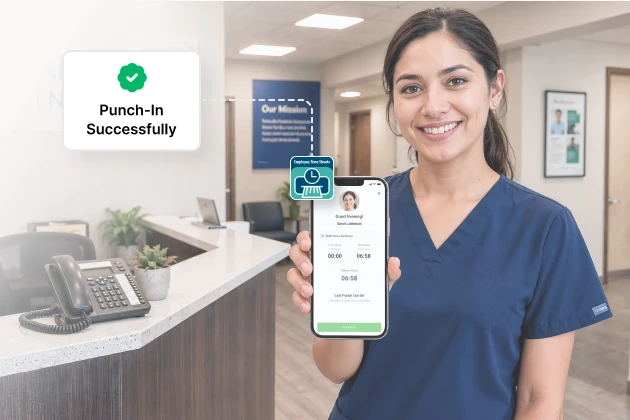
Paper registers are slow and easy to falsify, and most digital alternatives stop working the moment the network drops. Our Canadian client needed something that held up on sites with no connectivity at all. Space-O Technologies built Time Clock so staff mark attendance by scanning a QR code or entering a personal pincode, with entries captured locally and synced when a connection returns. Every check-in records a GPS position, which lets managers verify that field staff signed in from the right location. A web admin panel covers absence, working hours, and in and out times across the whole workforce. The app runs on iOS and web.
Industry
HR and Workforce Management
Client From
Canada
Platform
iOS and Web
AboutTime Clock App
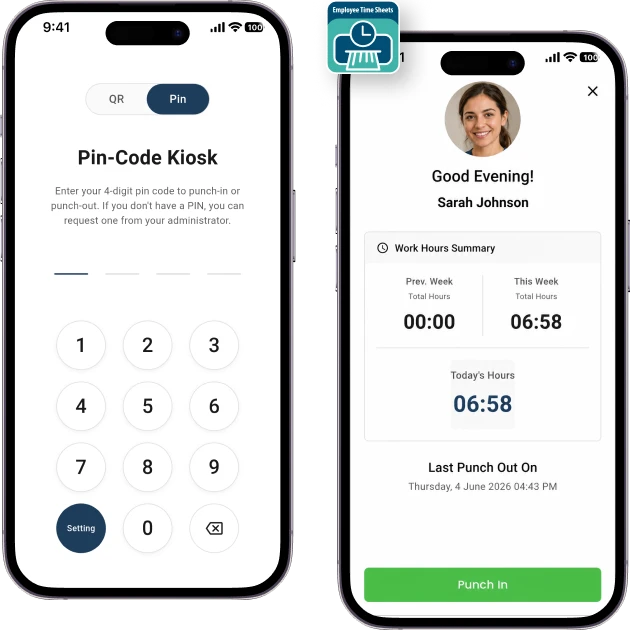
Time Clock records who is present and when, without depending on a network connection. Staff scan a QR code with the device camera, or enter a pincode assigned to them individually when scanning is impractical. Both take seconds.
Every clock in and clock out creates an entry with times attached. Total working hours calculate automatically, which turns a presence record into usable payroll and scheduling data rather than a list of names.
Managers work from a web admin panel covering absence, working hours, and timings across on-site, remote, and off-site staff. The same system adapts to schools, colleges, and coaching classes, where the requirement is identical even though the people being tracked are students rather than employees.
How We Built the Attendance
Tracking App Platform
The engagement covered UI/UX design, native iOS development, and web development for the admin panel. The defining constraint was connectivity, since the client’s staff work on sites where a signal cannot be assumed and an app that fails there fails.
QR Code and Pincode Check-In
Requirement:
Marking attendance had to be instant, with no typing, no scrolling through employee lists, and no queue forming at the entrance.
Solution:
Staff scan a QR code using the front or rear camera, and the entry records immediately. A personal pincode per employee covers situations where scanning is not practical, such as a damaged code or a device without a working camera. Two methods mean nobody is blocked from clocking in.
Offline Attendance Capture and Sync
Requirement:
The app needed to keep recording on sites with no internet, then reconcile cleanly with the central record once a connection returned.
Solution:
We built offline mode using an on-device SQLite database that stores entries locally as they happen. When connectivity returns, records sync to the centralized database automatically. The employee experience is identical either way, which is the point, since staff should not need to know whether the network is up.
Clock In and Out Time Tracking
Requirement:
The client wanted more than a presence marker. Start times, finish times, and total hours all mattered operationally.
Solution:
Every clock-in and clock-out logs as a separate entry with its timestamp. The system calculates in time, out time, and total working hours per employee automatically. That converts attendance into data managers use for payroll, shift planning, and overtime tracking rather than a record they read and set aside.
GPS Location Tagging
Requirement:
For field and remote staff, knowing the time was not sufficient. The client needed confirmation of the place as well.
Solution:
We integrated Core Location so each attendance entry records where it was marked. Administrators verify that a remote employee checked in from the assigned site rather than somewhere else. Location tagging is what makes the app workable for distributed teams, where physical supervision is not possible.
Web Admin Panel and Reporting
Requirement:
Managers needed one secure place to review attendance across everyone, rather than checking individual devices or records.
Solution:
We built a React.js admin panel where authorized users track absence, working hours, in time, and out time across the workforce. Access is restricted to authorized accounts. All attendance sits in one centralized database, so reporting draws from a single source rather than reconciling several.
Multi-Organization Flexibility
Requirement:
The same core system had to serve different organization types, from companies with distributed workforces to classroom-based institutions.
Solution:
The platform manages on-site, remote, and off-site employees within one record structure. That same structure adapts to schools, colleges, and coaching classes tracking student attendance. Building the flexibility into the core rather than forking the product means one codebase serves both markets.
Automate Your Employee Attendance Tracking
Create a reliable attendance app to track employee hours, manage records, and reduce manual attendance processes.
Key Features of Time Clock Employee Attendance Tracking App
QR Code Attendance
Scan a QR code with the front or rear camera to mark attendance in seconds, with no typing involved.
Customized Pincode
Every employee receives a personal pincode for marking attendance when a QR scan is not practical.
Offline Mode
Record attendance with no internet connection, then sync automatically to the central database when connectivity returns.
Clock In and Out Tracking
Log every clock in and out with timestamps, and calculate total working hours per employee automatically.
GPS Location Tagging
Record the location of each check-in so administrators can verify remote and field attendance against assigned sites.
Remote and On-Site Support
Track on-site, remote, and off-site staff within one system rather than maintaining separate processes for each.
Web Admin Panel
Review absence, working hours, and timings from a secure panel restricted to authorized users.
Centralized Records
Hold all attendance data in one database, so reporting stays fast and consistent across the organization.
Organizations This Attendance App Serves
Companies and Small to Medium Businesses
HR and People Operations Teams
Schools
Colleges
Coaching Classes
Remote and Distributed Teams
Field and Site-Based Teams
Shift Managers
Technology Stack We Used
iOS App
 Swift
Swift Objective-C
Web Application
 React.js
 HTML
HTML CSS
CSS
Backend Development
 Node.js
Database and Offline Sync
 MySQL
MySQL SQLite
Device APIs and Analytics
 AVFoundation
 Core Location
 Firebase
Our Role in the Time Clock Project
Space-O Technologies handled the time clock end-to-end, covering the native iOS app, the web admin panel, and App Store launch.
UI/UX Design
Offline Sync Architecture
QA Testing and App Store Deployment
Need an Attendance System That Fits Your Operation?
Talk to our team about how your people actually work. We plan for the sites, shifts, and connectivity conditions your staff deal with every day.
Related Case Studies
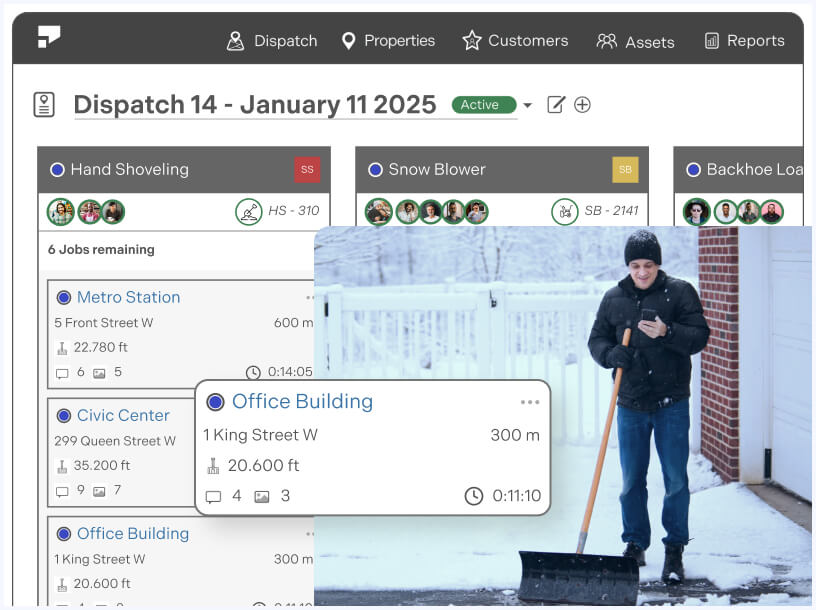
Field Service Management Solution
A web-based field service platform for scheduling jobs, dispatching technicians, and capturing work completed on site.
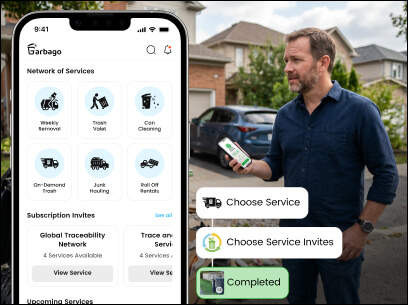
Waste Management Software Development
A custom waste management platform with mobile apps, crew management tools, and operator dashboards, tailored for waste service companies across the US.
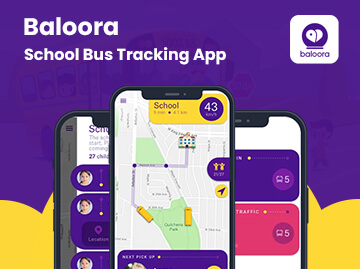
Baloora: School Bus Tracking App
A vehicle tracking system that follows school buses in real time and alerts parents by notification in case of rerouting or emergencies.


 All our projects are secured by NDA




 4.8
4.8

