Modern frontend development extends far beyond basic frameworks. It’s about leveraging specialized tools that most businesses overlook.
While everyone discusses React and Angular, the real competitive advantage lies in performance optimization tools like Lighthouse, design collaboration with Figma, and next-generation build tools like Vite that deliver sub-second loading times.
Poor toolchain choices cost businesses dearly: 7% conversion loss per second of delay and 53% mobile abandonment after 3 seconds (Google).
At Space-O Technologies, a trusted frontend development company, our developers leverage modern and innovative technologies tailored to each client’s unique frontend requirements.
With 15 years of experience, we’ve successfully completed over 350 projects across various industries, establishing us as experts in how frontend development tools can enhance your web application’s performance.
In this guide, we will explore 15 tools for frontend application development that advance workflow and provide web applications with highly responsive, scalable user interfaces.
What are Front-End Development Tools and Why Do You Need Them?
Frontend development tools are software, libraries, and frameworks that help developers build the layout, user interfaces, and interactivity of websites and web applications. These include code editors like VS Code and Cursor, JavaScript frameworks like React, Next.js, and Vue.js, styling tools like Tailwind CSS and shadcn/ui, and version control platforms like Git and GitHub. Together, they form the foundation of every modern frontend workflow.
Beyond the basics, frontend developers also rely on design and prototyping tools like Figma to translate UI concepts into pixel-perfect layouts, and build tools like Vite and npm to manage dependencies and optimize performance. Whether you are building a single-page application, a content-driven website, or a complex enterprise dashboard, using the right combination of these tools helps you write cleaner code, ship faster, and deliver better user experiences.
Quick Glance: 15 Frontend Development Tools
Need a quick overview of all the tools? Here’s your complete reference table
Tool
Category
Best For
Key Benefit
Visual Studio Code
Code Editor
All projects
Universal, extensible editor
WebStorm
IDE
Enterprise projects
Advanced debugging & features
TypeScript
Language
Type safety
Prevents runtime errors
Node.js
Runtime
Full-stack development
JavaScript everywhere
Webpack
Build Tool
Complex applications
Powerful bundling & optimization
Vite
Build Tool
Modern projects
Lightning-fast development
Rollup
Build Tool
Library development
Optimized package bundling
Sass/SCSS
CSS Preprocessor
Large-scale styling
Organized, maintainable CSS
Tailwind CSS
CSS Framework
Rapid development
Utility-first styling
PostCSS
CSS Processor
CSS optimization
Future CSS features today
Jest
Testing
Unit testing
Comprehensive test framework
Cypress
Testing
End-to-end testing
Real browser testing
ESLint
Code Quality
Code standards
Consistent code quality
Prettier
Formatting
Code formatting
Automatic style consistency
Lighthouse
Performance
Performance optimization
Web performance auditing
Now, let’s get a detailed overview of the frontend developer technologies and tools in the next section. These tools are important when you are asking yourself how to create a web application.
List of 15 Frontend Development Technologies and Tools
Beyond choosing the right framework, successful frontend development depends on a carefully curated toolchain that addresses every aspect of the development lifecycle. These frontend technologies and tools have been proven in production environments and are actively used by our web developers at Space-O Technologies.
1. Visual Studio Code: The industry standard tool
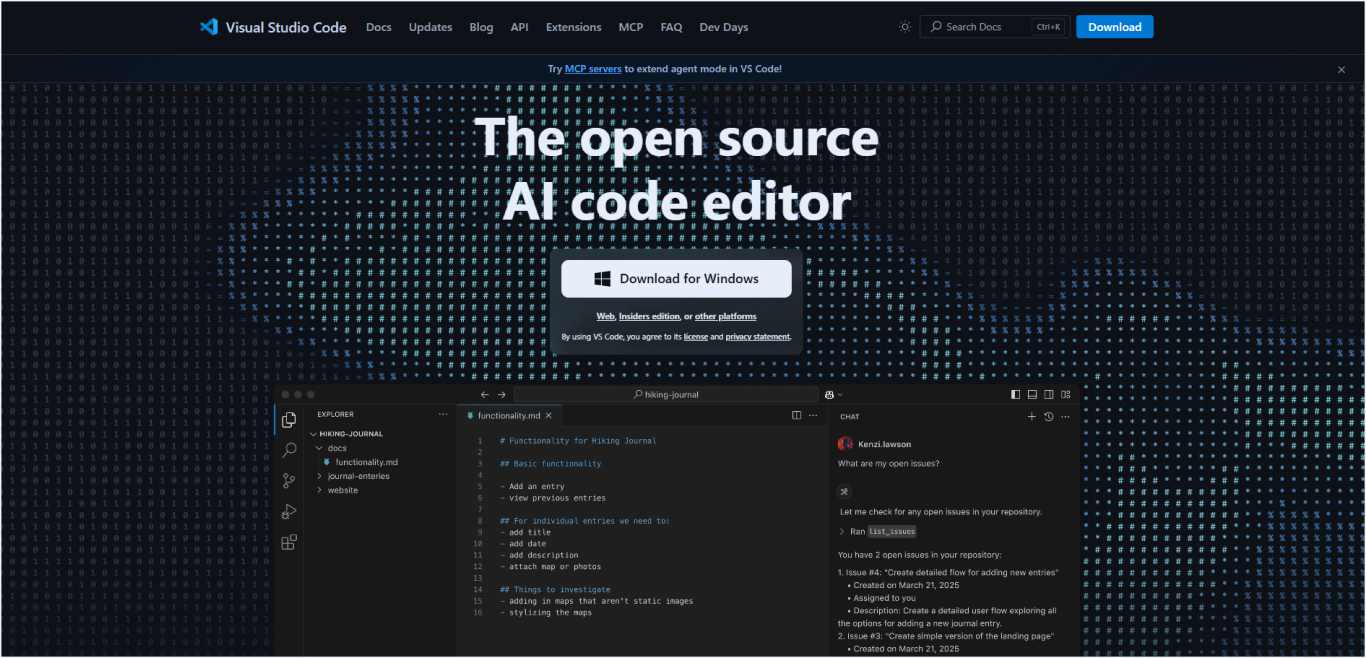
Visual Studio Code is a free, open-source code editor developed by Microsoft that has become the most popular choice among frontend developers worldwide. It combines the simplicity of a text editor with powerful IDE features, offering an extensible platform that adapts to any development workflow through its marketplace of extensions.
Key features and capabilities
IntelliSense provides intelligent code completion based on variable types, function definitions, and imported modules.
Integrated debugging supports breakpoints, call stacks, and an interactive console for JavaScript and TypeScript.
Built-in Git integration enables version control operations directly within the editor.
The extension marketplace offers 40,000+ extensions for languages, themes, and tools.
Live Share enables real-time collaborative editing and debugging sessions.
Integrated terminal provides command-line access without leaving the editor.
Multi-cursor editing allows simultaneous editing at multiple locations.
Code folding and minimap help navigate large files efficiently.
How frontend developers use Visual Studio Code
Frontend developers use VS Code’s extensions and workspace configurations to create optimized development environments for React, Angular, and Vue.js projects while maintaining consistency across team members.
Moving from your code editor to a more comprehensive development environment, professional teams often require advanced IDE capabilities for complex projects and enterprise-scale applications.
2. WebStorm: Professional IDE for JavaScript development
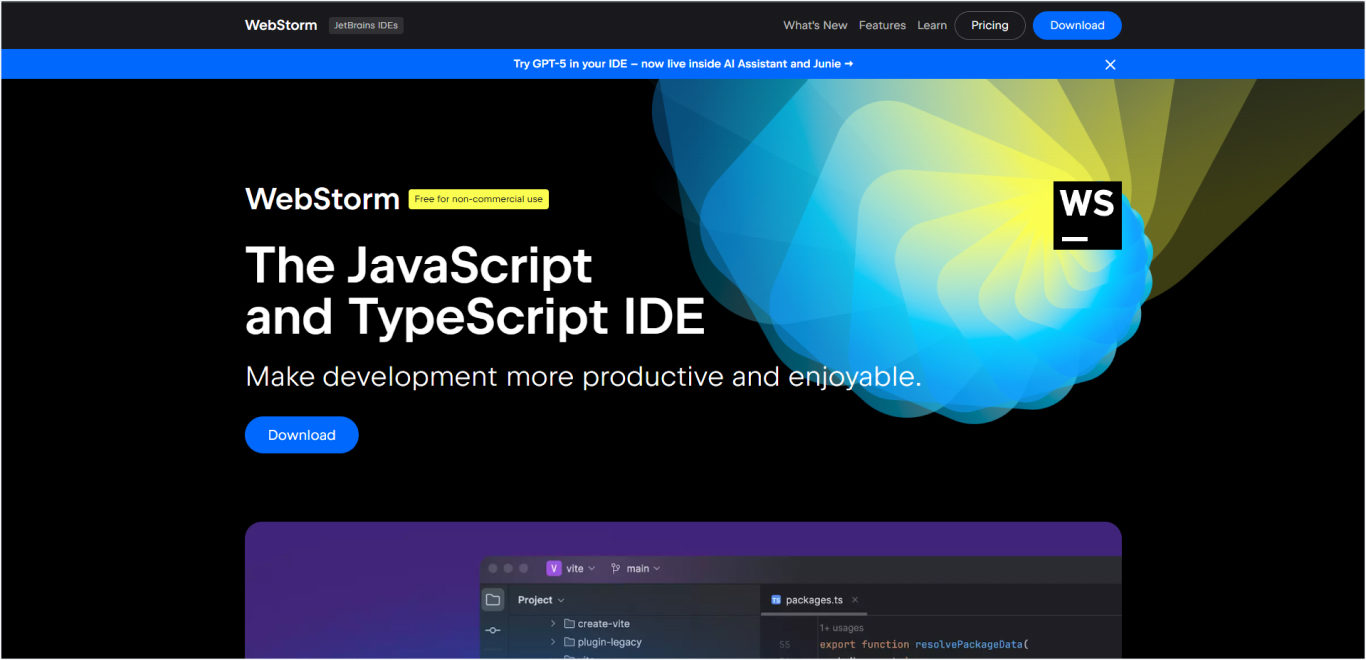
WebStorm is a commercial integrated development environment developed by JetBrains specifically for JavaScript and TypeScript development. It provides advanced code intelligence, powerful debugging tools, and built-in support for modern frameworks, making it ideal for professional development teams working on complex applications.
Key features and capabilities
Advanced code completion with deep understanding of JavaScript frameworks and TypeScript frameworks
Powerful debugging tools, including step-by-step debugging, breakpoints, and variable inspection
Built-in testing framework support for Jest, Mocha, Karma, and other testing tools
Intelligent code refactoring with safe rename, extract method, and move file operations
Database integration for full-stack development with SQL support
VCS integration supporting Git, SVN, Mercurial, and Perforce
Code quality analysis with built-in inspection and quick-fix suggestions
Framework-specific support for React, Angular, Vue.js, and Node.js
How frontend developers use WebStorm
The top frontend development company, like Space-O Technologies, and developers use WebStorm for complex enterprise applications requiring advanced debugging, refactoring capabilities, and integrated database tools for full-stack JavaScript development projects.
3. TypeScript: Static type checking for JavaScript
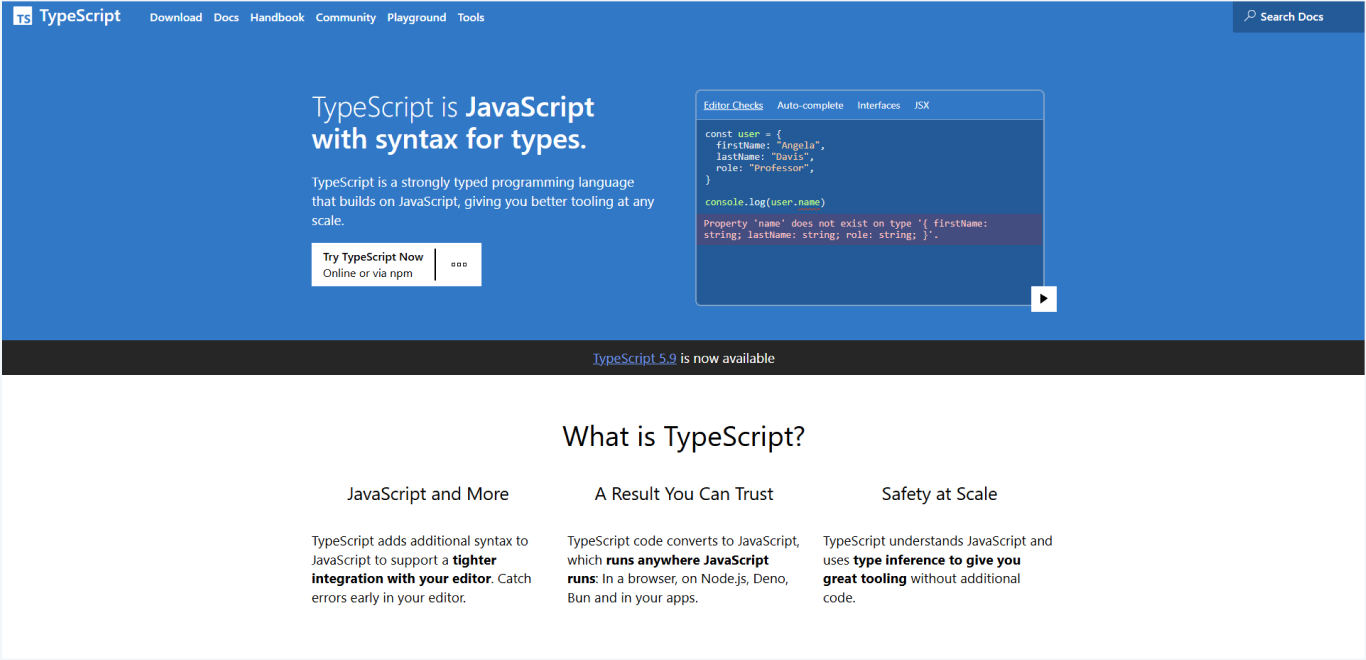
TypeScript is a programming language developed by Microsoft that builds on JavaScript by adding static type definitions. It compiles to plain JavaScript and runs anywhere JavaScript runs, providing developers with optional static typing, enhanced IDE support, and early error detection during development.
Key features and capabilities
Static type checking catches errors at compile time rather than runtime
Enhanced IDE support with better autocompletion, refactoring, and navigation
Interface definitions provide clear contracts for object shapes and API responses
Generics support enables reusable components with type safety
Advanced TypeScript features, including mapped types, conditional types, and utility types
Gradual adoption allows incremental migration from existing JavaScript codebases
Framework integration with excellent support for React, Angular, and Vue.js
Tooling ecosyste,m including TSLint/ESLint integration and build tool support
How frontend developers use TypeScript
Frontend web developers implement TypeScript in React and Angular applications to prevent runtime errors, improve code maintainability, and enhance team collaboration through type definitions.
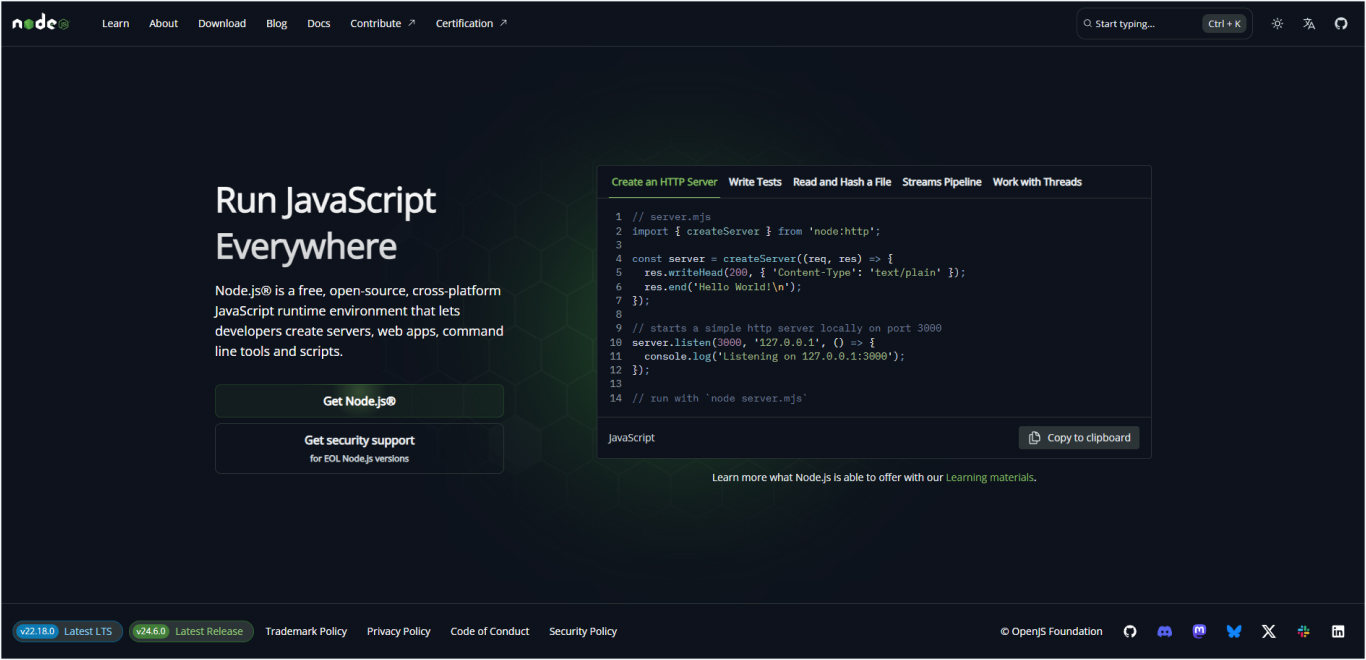
4. Node.js: JavaScript runtime for backend and tooling
Node.js is a JavaScript runtime built on Chrome’s V8 JavaScript engine that allows developers to run JavaScript on the server side. It enables unified JavaScript development across the frontend while powering the entire ecosystem of the web development process.
Key features and capabilities
Server-side JavaScript execution enables full-stack development with a single language.
NPM package manager provides access to over 1 million open-source packages
Event-driven architecture with non-blocking I/O for high-performance applications
Cross-platform compatibility runs on Windows, macOS, and Linux systems
Build tool foundation powers Webpack, Vite, and other essential development tools
API development supports REST and GraphQL server development
Microservices support enables scalable, distributed application architectures
Development tooling includes testing frameworks, linters, and formatting tools
How frontend developers use Node.js
Frontend teams use Node.js to run build tools, package managers, and development servers while creating APIs that support their frontend applications.
Real-world example
Space-O Technologies delivered numerous web applications, including a web-based delivery management system that utilizes React.js for the frontend and Node.js for the backend. This system optimizes real-time delivery tracking, route optimization, and seamless notification workflows for stores, drivers, and customers through our expert Node js development services
5. Webpack: Module bundler for complex applications
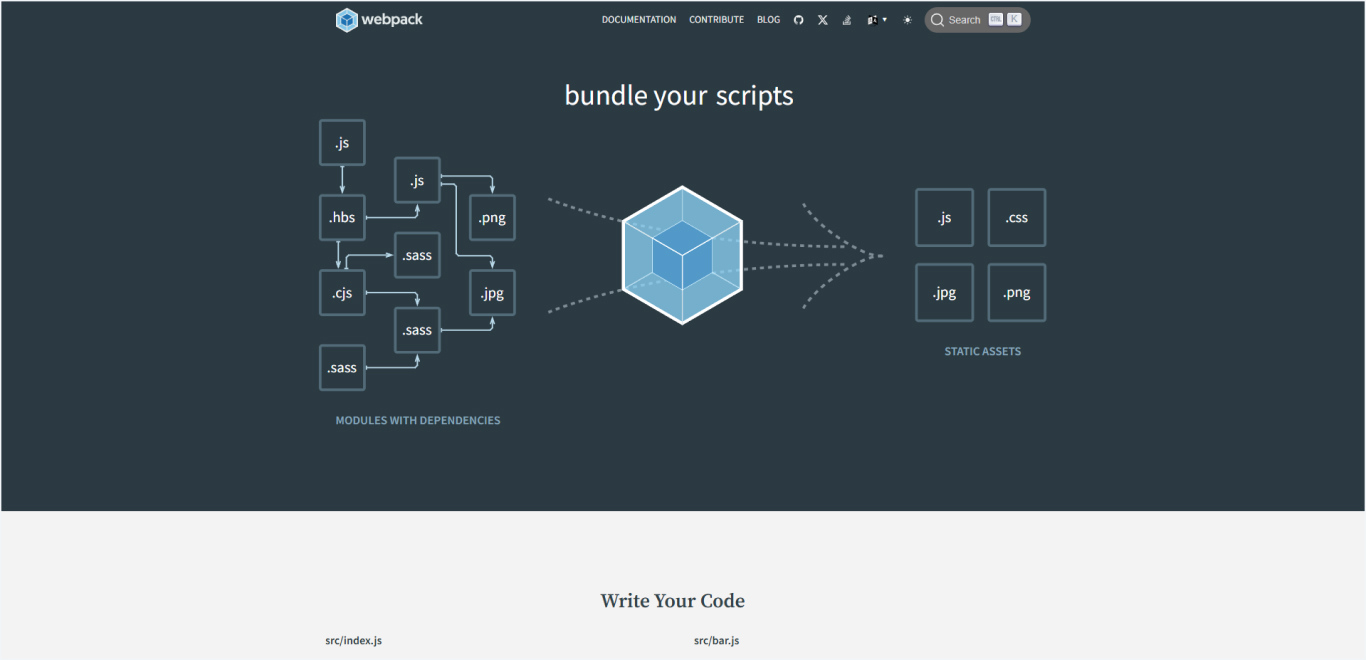
Webpack is a module bundler that takes modules with dependencies and generates static assets representing those modules. It processes JavaScript, CSS, images, and other assets through loaders and plugins, creating optimized bundles for production deployment while providing a powerful development server.
Key features and capabilities
Module bundling combines multiple JavaScript files into optimized bundles
Code splitting enables loading only the necessary code for better performance
Tree shaking eliminates unused code from final bundles
Asset processing handles images, fonts, CSS, and other static assets
Hot Module Replacement updates modules during development without a full page refresh
The plugin system extends functionality for specific requirements
The development server provides live reloading and debugging capabilities
Environment-specific builds optimize differently for development and production
How frontend developers use Webpack
Teams configure Webpack for React and Angular projects to bundle JavaScript modules, process CSS/Sass files, and optimize assets for production deployment.
At Space-O Technologies, our teams personalize the front-end build process for every client by expertly configuring Webpack in React and Angular projects. This enables seamless bundling of JavaScript modules, efficient processing of CSS, and delivers lightning-fast, streamlined web apps ready for production deployment.
While Webpack excels at complex configurations, newer build tools like Vite offer dramatically faster development experiences with modern approaches to bundling and serving code.
6. Vite: Next-generation frontend build tool
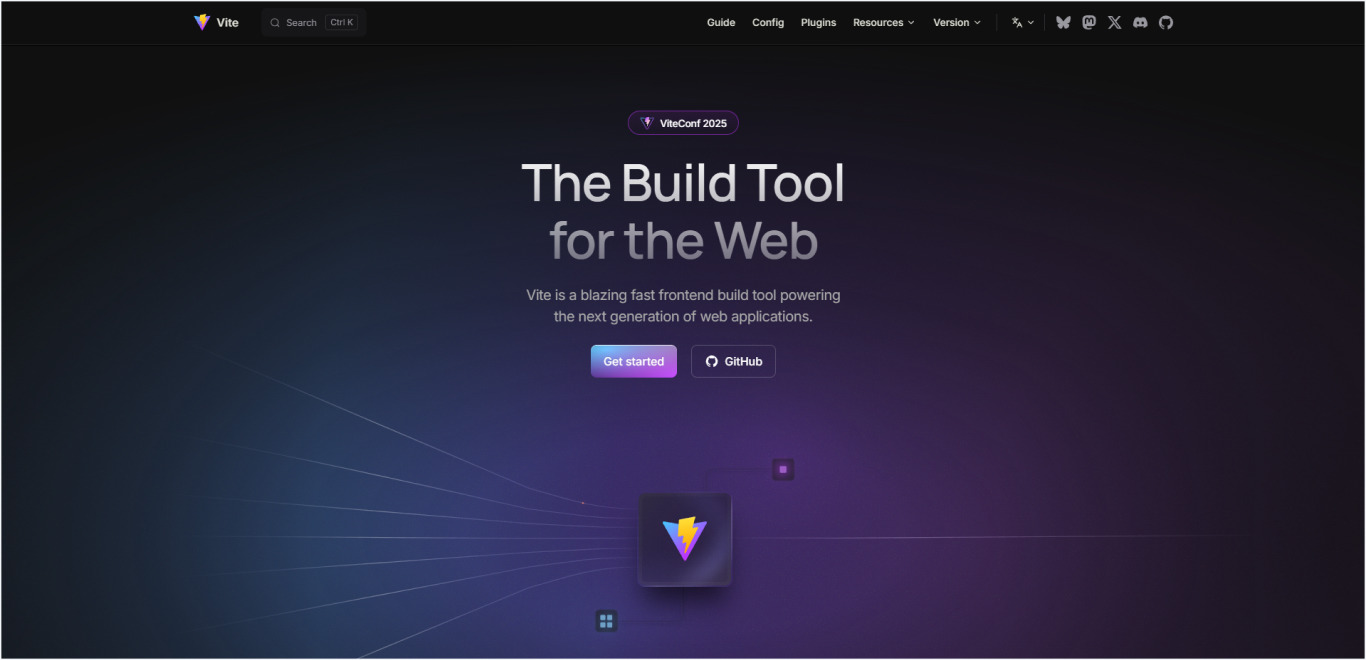
Vite is a build tool created by Evan You that provides a faster and leaner development experience for modern web projects. It leverages native ES modules and modern JavaScript features to deliver instant server start and lightning-fast hot module replacement during development.
Key features and capabilities
Instant server start regardless of application size using native ES modules
Lightning-fast HMR with updates typically under 100ms
Optimized builds using Rollup for production with advanced optimizations
Framework agnostic with official templates for React, Vue, Svelte, and vanilla JavaScript
Plugin ecosystem supports TypeScript, JSX, and CSS preprocessors out of the box
Dependency pre-bundling optimizes node_modules using esbuild
Asset handling includes automatic optimization for images and other static assets
CSS features support PostCSS, CSS modules, and preprocessors natively
How frontend developers use Vite
Modern development teams adopt Vite for React and Vue projects to achieve sub-second development server startup and instant hot module replacement.
Our frontend development agency uses Vite in our React and Vue projects to achieve lightning-fast server startups and instant hot module replacement, drastically reducing development time. This allows dedicated development teams to deliver features quickly, keep designers and developers in sync, and launch high-performance apps faster.
7. Rollup: Module bundler optimized for libraries
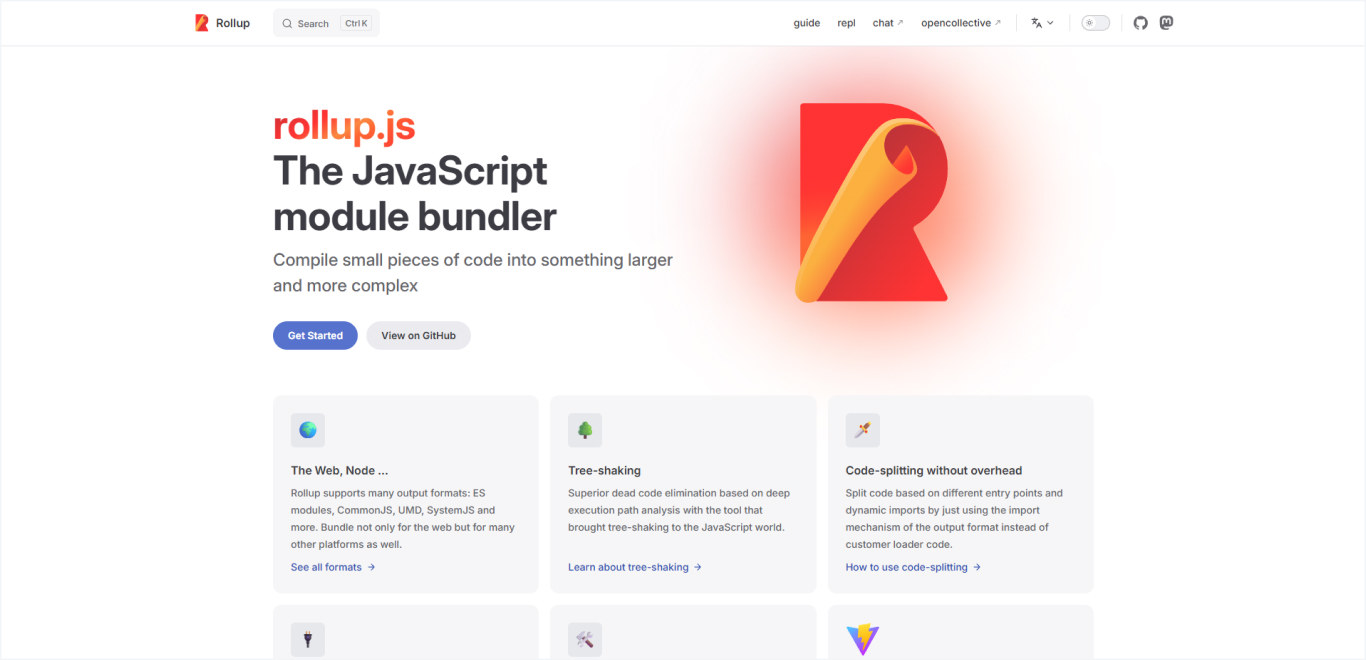
Rollup is a module bundler for JavaScript that compiles small pieces of code into larger, more complex applications or libraries. It’s particularly well-suited for creating libraries and packages that need to be consumed by other applications, focusing on ES module output and tree shaking.
Key features and capabilities
ES module native output creates standards-compliant JavaScript modules
Superior tree shaking eliminates unused code more effectively than other bundlers
Multiple output formats support UMD, CommonJS, AMD, and ES module formats
Efficient scope hoisting reduces bundle size and improves runtime performance
Plugin architecture extends functionality through a rich ecosystem
The development server provides live reloading for library development
Source map generation enables debugging of bundled code
How frontend developers use Rollup
Library developers use Rollup to create highly optimized npm packages by leveraging its superior tree-shaking capabilities, which eliminate unused code to produce smaller, more efficient bundles.
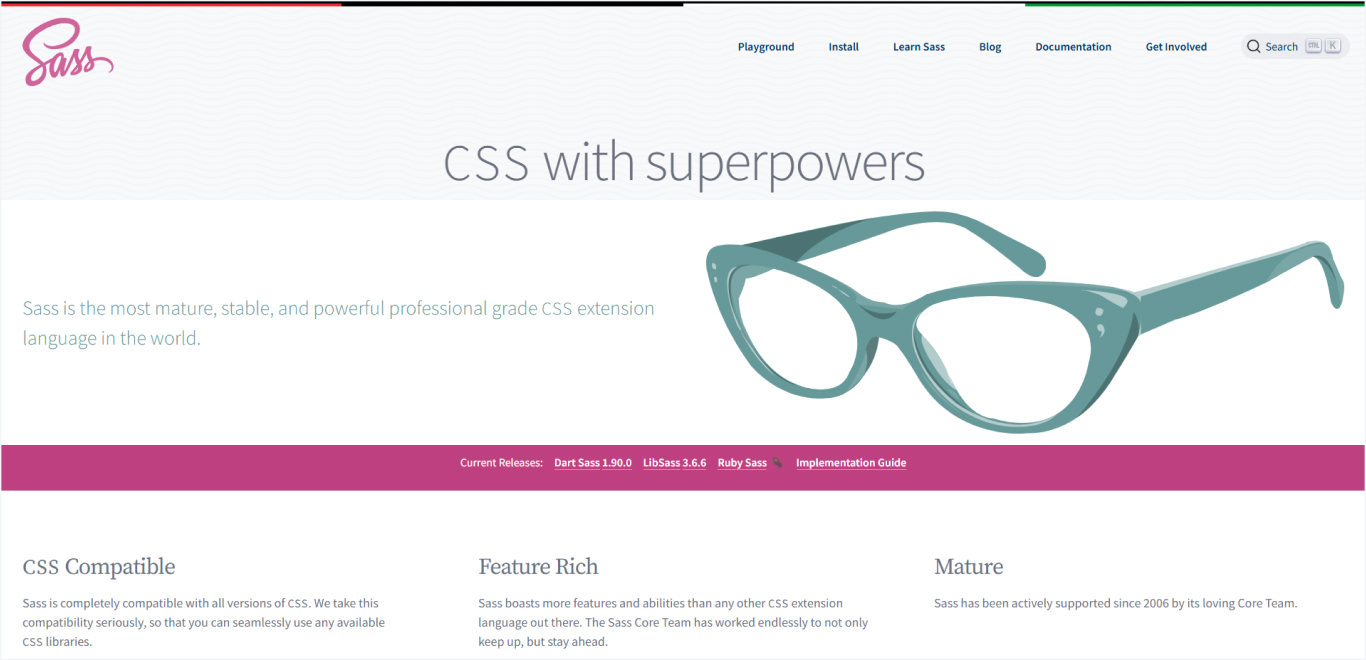
8. Sass/SCSS: CSS preprocessor with variables and nesting
Sass (Syntactically Awesome Stylesheets) is a CSS preprocessor that adds programming features to CSS, including variables, nesting, mixins, and functions. SCSS syntax provides a CSS-compatible way to write Sass, making it easier to adopt in existing projects while maintaining familiar syntax.
Key features and capabilities
Variables store reusable values for colors, fonts, and spacing throughout stylesheets.
Nesting allows CSS selectors to be nested inside one another for better organization.
Mixins create reusable groups of CSS declarations that can accept parameters
Functions perform calculations and manipulate values dynamically
Partials and imports enable modular stylesheet architecture
Control directives include @if, @for, and @each for programmatic styling
Built-in functions provide color manipulation, math operations, and string handling
Source maps enable debugging of compiled CSS back to original Sass files
How frontend developers use Sass/SCSS
Experienced Web and mobile development teams from our frontend software development firm use Sass for large-scale applications to maintain consistent design systems, create reusable style components, and organize CSS architecture effectively.
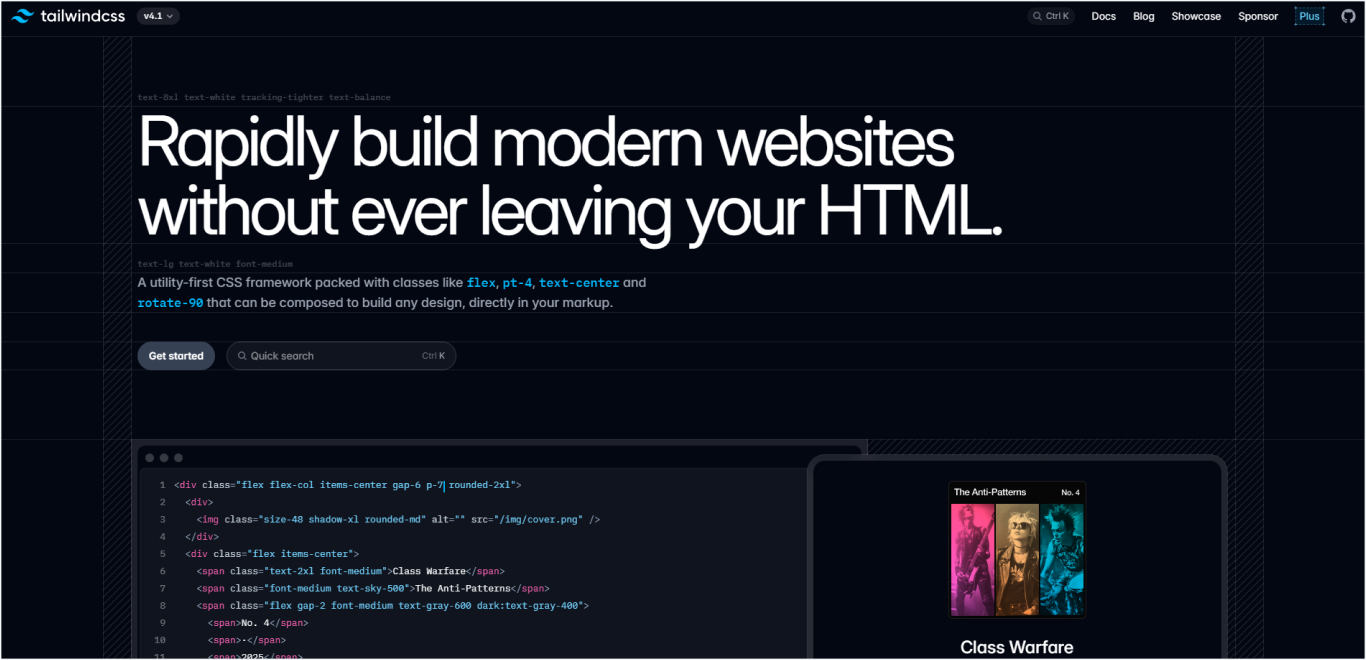
9. Tailwind CSS: Utility-first CSS framework
Tailwind CSS is a utility-first CSS framework that provides low-level utility classes to build custom designs directly in your markup. Unlike traditional CSS frameworks, Tailwind doesn’t include pre-designed components but instead offers building blocks to create unique designs efficiently.
Key features and capabilities
Utility classes provide granular control over styling without writing custom CSS
Responsive design built in with a mobile-first breakpoint system
Customization through a comprehensive configuration file for colors, spacing, and typography
PurgeCSS integration removes unused styles for optimal production bundle sizes
Design tokens ensure consistent spacing, colors, and typography across projects
Component extraction enables reusable patterns while maintaining a utility approach
JIT compilation generates styles on demand for faster builds and smaller file sizes
Plugin system extends functionality with official and community plugins
How frontend developers use Tailwind CSS
Expert frontend web development teams from our agency utilize Tailwind CSS to accelerate both rapid prototyping and production development, enabling consistent and visually cohesive designs without the need for extensive custom CSS.
This approach provides the flexibility to adapt and fine-tune designs easily, ensuring fast delivery and high-quality user interfaces tailored to each client’s unique brand and requirements.
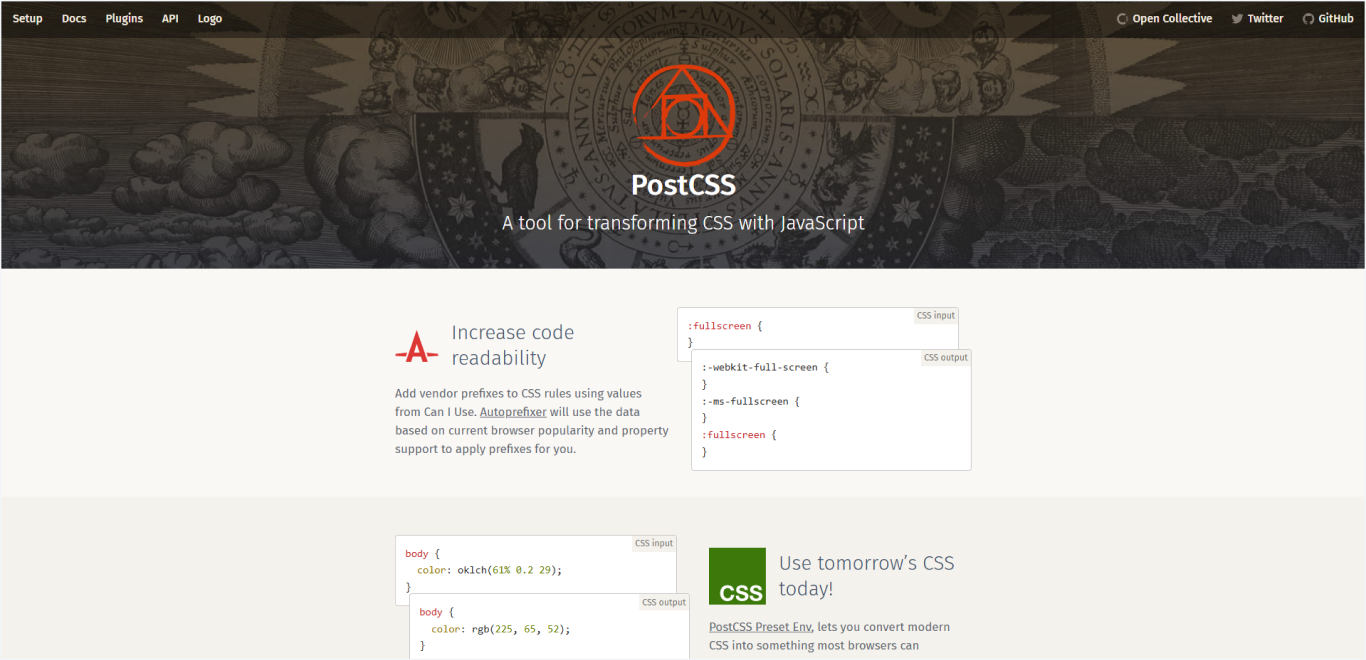
10. PostCSS: CSS transformation tool
PostCSS is a tool for transforming CSS using JavaScript plugins. It analyzes CSS and transforms it through plugins that can add vendor prefixes, support future CSS features, optimize code, or perform custom transformations based on project requirements.
Key features and capabilities
Plugin architecture enables modular CSS processing through configurable plugins.
Autoprefixing automatically adds vendor prefixes for cross-browser compatibility.
Future CSS features through plugins that polyfill upcoming CSS specifications.
Optimization includes minification, dead code removal, and asset optimization.
Custom transformations allow the creation of project-specific CSS processing.
Build tool integration works with Webpack, Vite, Rollup, and other bundlers.
Source maps preserve debugging information through the transformation pipeline.
Performance optimization processes CSS faster than traditional preprocessors.
How frontend developers use PostCSS
Development teams integrate PostCSS into build pipelines to enable modern CSS features, ensure browser compatibility, and optimize stylesheets for production.
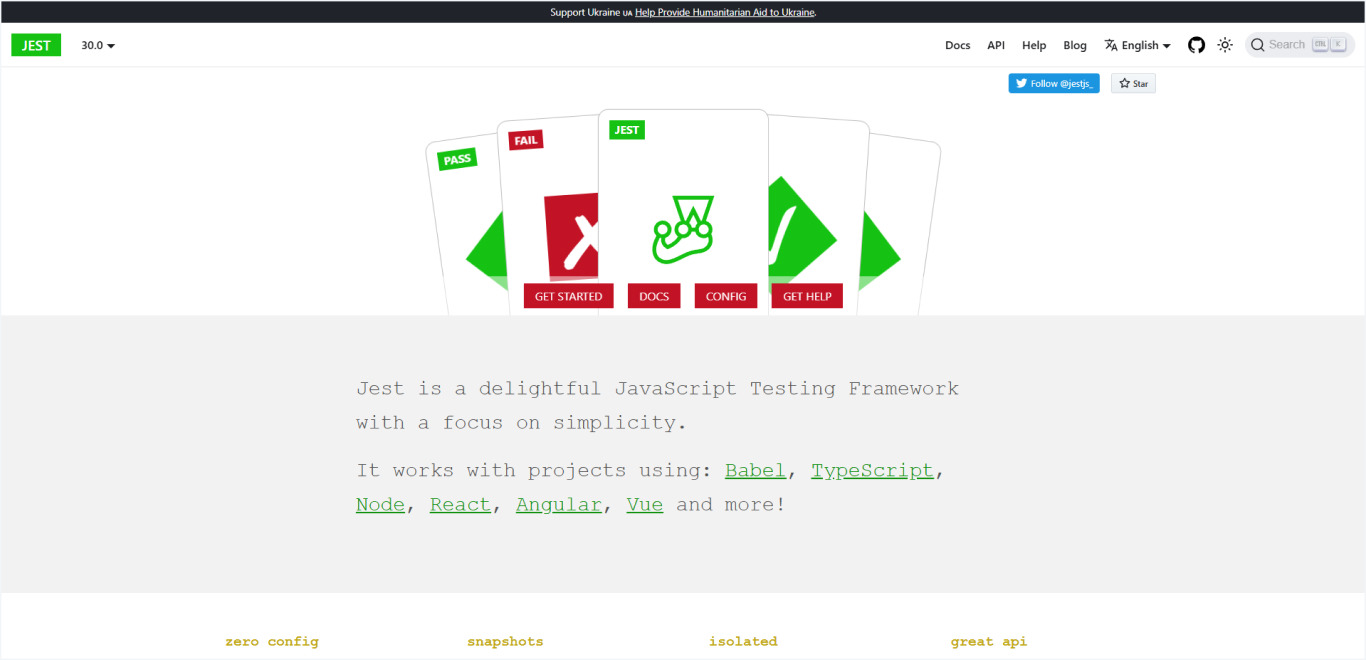
11. Jest: JavaScript testing framework
Jest is a comprehensive JavaScript testing framework developed by Facebook that provides everything needed to test JavaScript applications. It includes a test runner, an assertion library, mocking capabilities, and code coverage reporting in a single package with minimal configuration requirements.
Key features and capabilities
Zero configuration works out of the box for most JavaScript projects
Snapshot testing captures component output to detect unexpected changes
Mocking system includes automatic mocks, manual mocks, and module mocking
Code coverage provides detailed reports without additional setup
Parallel testing runs tests concurrently for faster execution
Watch mode automatically runs tests when files change during development
The assertion library includes extensive matchers for different test scenarios
async testing supports promises, async/await, and callback-based code
How frontend developers use Jest
Our web development teams use Jest to perform precise unit testing on React components and utility functions, ensuring every feature works exactly as intended. This rigorous testing approach helps us maintain high code quality, achieve comprehensive test coverage, and deliver reliable, bug-free applications to our clients.
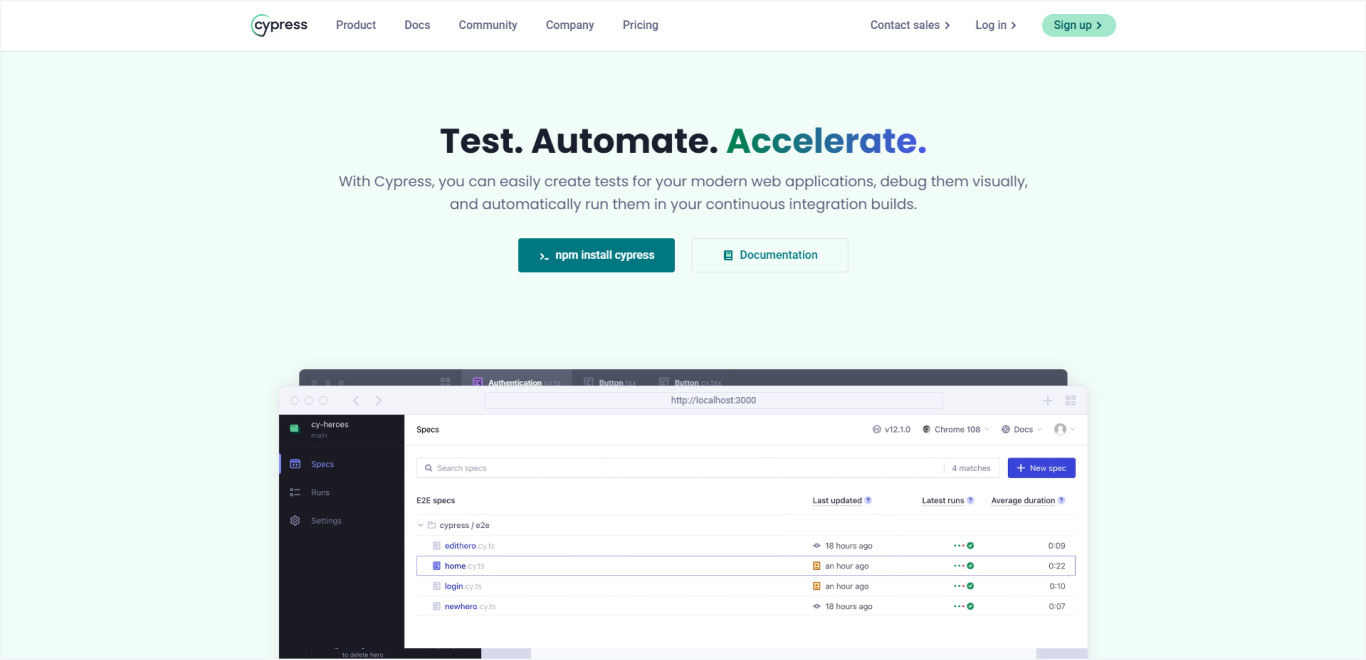
12. Cypress: End-to-end testing framework
Cypress is a modern end-to-end testing framework that runs in the browser and provides a complete testing experience. It offers real-time browser testing, time-travel debugging, and automatic waiting, making it easier to write, debug, and maintain tests for web applications.
Key features and capabilities
Real browser testing runs tests in actual browsers (Chrome, Firefox, Edge)
Time-travel debugging allows inspection of the application state at any test step
Automatic waiting eliminates the need for manual waits and reduces flaky tests
Network stubbing enables testing different API scenarios and edge cases
Visual testing includes screenshot comparison and visual regression detection
Developer tools integrated browser DevTools for debugging during tests
Test runner provides interactive test execution with detailed reporting
CI/CD integration supports continuous integration and automated testing pipelines
How frontend developers use Cypress
QA teams and developers use Cypress to test critical user journeys, form submissions, and complex application workflows across different browsers. Beyond testing functionality, code quality tools ensure consistent coding standards and catch potential issues before they reach production environments.
If you are not sure which components to test, our web application testing checklist gives an overview.
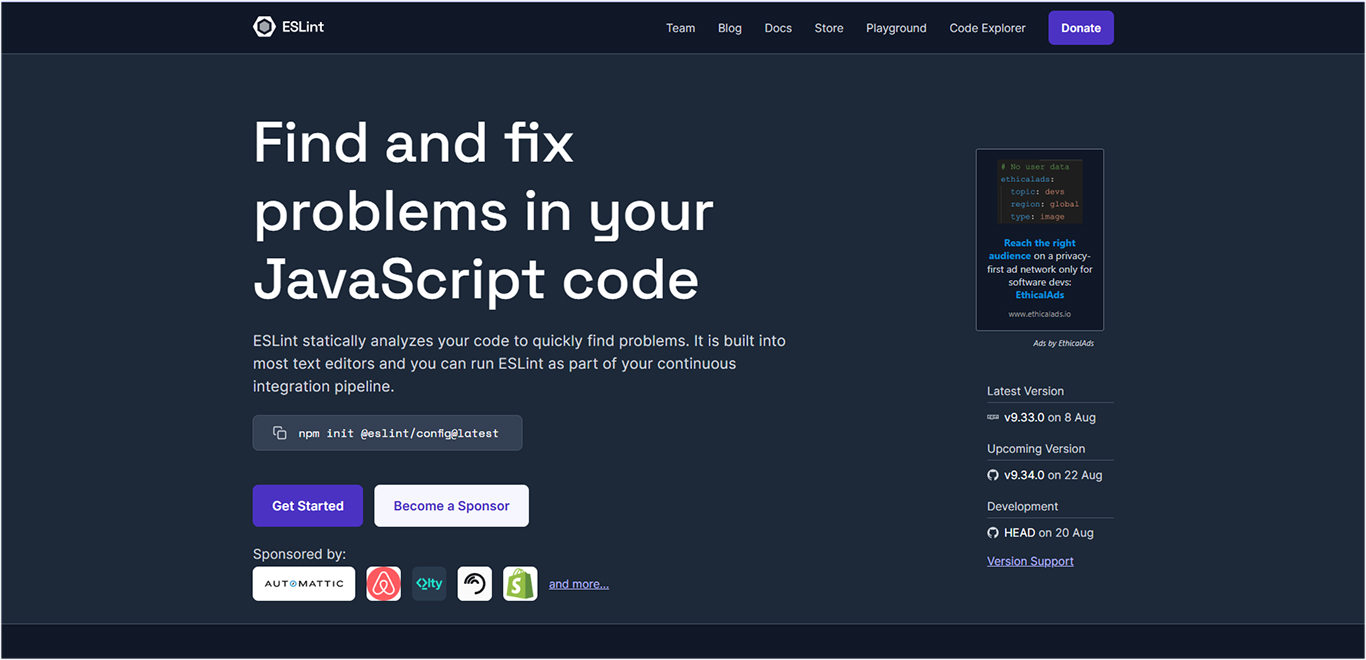
13. ESLint: JavaScript linting and code quality
ESLint is a static code analysis tool for identifying problematic patterns in JavaScript code. It’s highly configurable and extensible, allowing teams to enforce coding standards, catch errors early, and maintain consistent code quality across projects and team members.
Key features and capabilities
Configurable rules allow customization of coding standards and best practices.
Error detection identifies syntax errors, potential bugs, and problematic patterns.
Code style enforcement ensures consistent formatting and naming conventions
Framework integration includes specific rules for React, Vue, Angular, and Node.js
Plugin system extends functionality through community and custom plugins
Automatic fixing corrects many rule violations automatically
IDE integration provides real-time feedback during development
Team collaboration enables shared configurations across development teams
How frontend developers use ESLint
Frontend websites are developed by our team, who perform code-quality testing. Using ESLint, each project’s unique codebase allows for early error detection and enforcement of best practices. This customized setup promotes cleaner code and smoother collaboration by aligning coding standards with the specific needs of every development team.
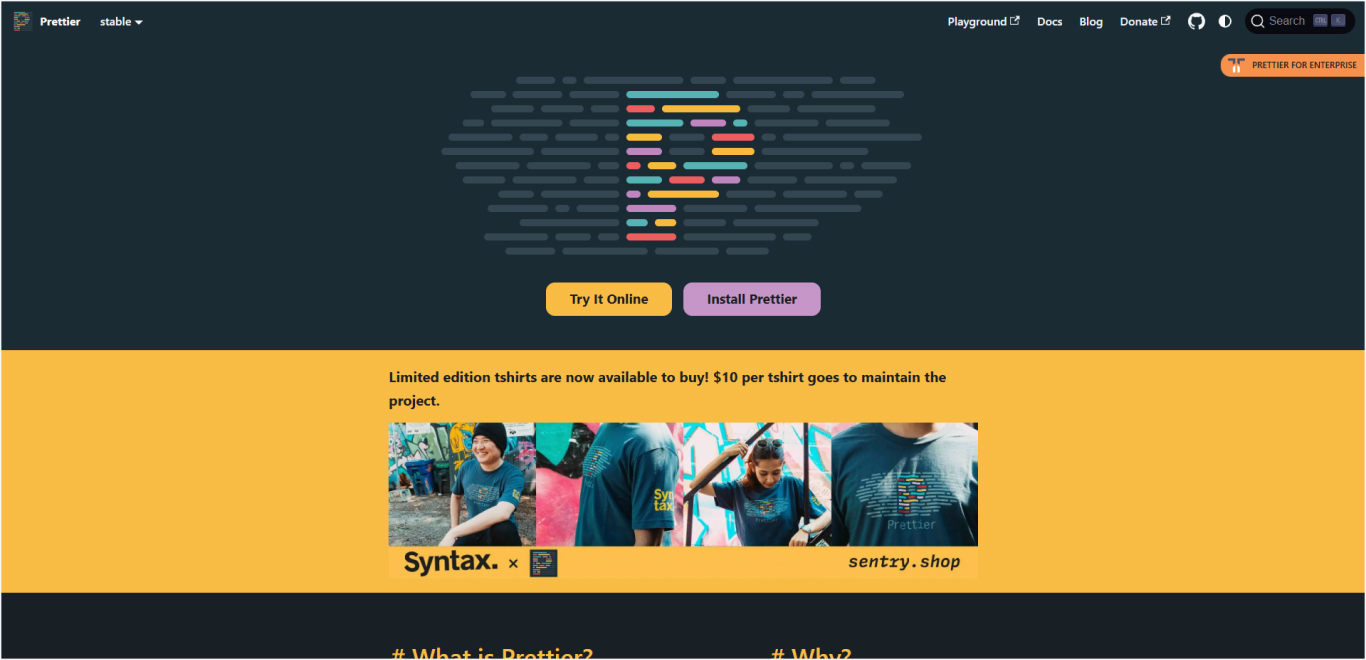
14. Prettier: Code formatting Tool
Prettier is an opinionated code formatter that enforces a consistent code style by parsing code and reformatting it according to its own rules. It supports multiple languages and integrates with editors and build processes to ensure consistent formatting across entire development teams.
Key features and capabilities
Automatic formatting enforces consistent style without manual intervention
Multi-language support handles JavaScript, TypeScript, CSS, HTML, JSON, and more
Editor integration provides format-on-save functionality in popular editors
Configurable options allow customization of key formatting preferences
Team consistency eliminates formatting discussions and style debates
Git integration can format code automatically through pre-commit hooks
Build process integration ensures formatted code in production deployments
Conflict resolution works alongside ESLint through shared configurations
How frontend developers use Prettier
Frontend experts use Prettier with pre-commit hooks and editor tools to automate code formatting, eliminating style conflicts and ensuring a consistent and clean codebase across all projects. This practice streamlines collaboration by allowing developers to focus on functionality while maintaining high-quality, readable code.
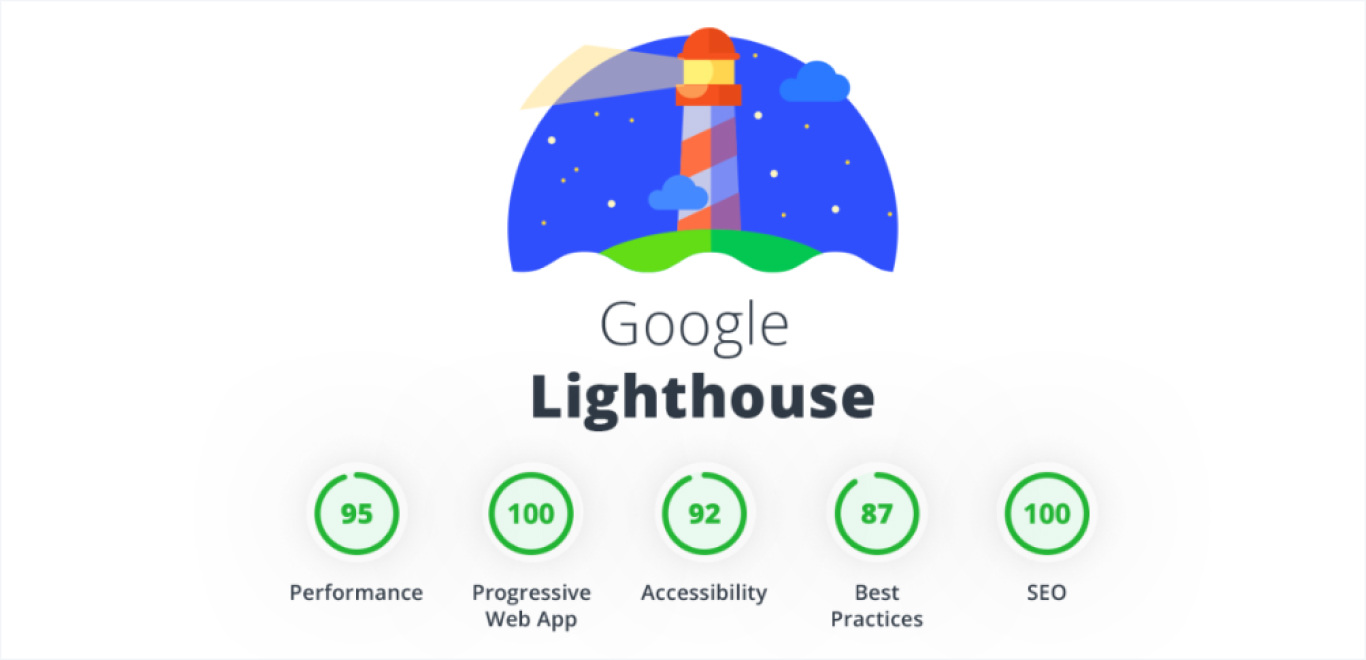
15. Lighthouse: Web performance auditing tool
Lighthouse is an open-source tool developed by Google for auditing web page quality. It runs automated audits for performance, accessibility, SEO, and Progressive Web Apps (PWAs), providing detailed reports with specific recommendations for improvement.
Key features and capabilities
Performance auditing measures Core Web Vitals and loading performance metrics.
Accessibility testing identifies barriers for users with disabilities.
SEO analysis evaluates search engine optimization factors.
Progressive Web App assessment checks PWA compliance and features.
Best practices evaluation covers security, performance, and modern web standards.
Actionable recommendations provide specific steps for improvement with impact estimates.
CI/CD integration enables automated performance monitoring in deployment pipelines.
Multiple interfaces available through DevTools, CLI, and web interface.
How frontend developers use Lighthouse
Development teams integrate Lighthouse into workflows to monitor core web vitals, identify performance bottlenecks, and ensure optimal user experience across all applications.
Getting a clear, detailed overview of each tool helps you learned about their features and how developers use them for the frontend development process. In the next section, we will choose the tool based on your requirements.
Which Tools Should You Choose for Your Project?
Here’s a practical guide to help you choose the right combination of tools
For startup MVPs and rapid prototyping
Tool Category
Recommended Tool
Why This Choice?
Code Editor
Visual Studio Code
Free, fast setup, extensive extensions
Build Tool
Vite
Instant server start, minimal configuration
Language
TypeScript
Catches errors early, better IDE support
CSS Framework
TailwindCSS
Rapid UI development, consistent design
Testing
Jest
Simple setup, comprehensive testing
Total Setup Time
1-2 days
Perfect for speed and simplicity
For enterprise applications
Tool Category
Recommended Tool
Why This Choice?
IDE
WebStorm
Advanced debugging, enterprise features
Language
TypeScript
Type safety at scale, team collaboration
Build Tool
Webpack
Complex configurations, mature ecosystem
CSS Tool
Sass
Scalable architecture, design systems
Testing
Jest + Cypress
Comprehensive testing strategy
Quality
ESLint + Prettier
Code standards, team consistency
Total Setup Time
1-2 weeks
Built for scale and reliability
For component libraries and packages
Tool Category
Recommended Tool
Why This Choice?
Code Editor
Visual Studio Code
Library-specific extensions available
Language
TypeScript
API documentation, type safety
Build Tool
Rollup
Optimized bundling, multiple formats
CSS Tool
PostCSS
Processing flexibility, optimization
Testing
Jest
Unit testing, coverage reporting
Performance
Lighthouse
Validation, performance benchmarks
Total Setup Time
3-5 days
Optimized for distribution
Using these tables, you can choose the right tech stack for frontend development projects and launch user-focused frontend designs for your web and mobile applications.
Here we’ve mentioned the tools that you can use for frontend development. But if you want to get a clear view of frontend frameworks and compare them, you may find this blog helpful.
Not Sure Which Tools Fit Your Project?
Our frontend specialists will review your project needs and recommend the exact tool stack – no guesswork, no bloated dependencies.
Ready to Implement These Tools Successfully?
That’s where professional implementation makes the difference.
Here’s the reality: knowing about these tools is one thing and implementing them correctly is another. Many businesses try to set up these tools themselves, only to face:
Configuration nightmares that waste weeks
Team resistance due to poor training
Performance issues from incorrect setup
Integration problems that break workflows
What makes Space-O’s approach to frontend development different
After deploying on hundreds of successful projects, follow a frontend development process that eliminates guesswork and ensures smooth adoption:
Phase 1: Foundation setup (Week 1-2)
Development environment standardization across your entire team
Code quality tool configuration with your specific requirements
Version control workflow establishment for seamless collaboration
Team onboarding with hands-on training sessions
Phase 2: Build process optimization (Week 2-3)
Build tool selection and configuration based on your project needs
CSS processing pipeline setup for maintainable, scalable styles
Asset optimization implementation for maximum performance
Development workflow integration that fits your team’s habits
Phase 3: Quality assurance integration (Week 3-4)
Testing framework implementation with comprehensive coverage
Performance monitoring setup with baseline establishment
Continuous integration configuration for automated quality checks
Documentation and best practices for long-term success
Why choose professional frontend development help from our company?
Time savings: What takes most teams 2-3 months, we complete in 3-4 weeks.
Reduced risk: Our proven process eliminates common pitfalls and configuration errors.
Team adoption: Proper training ensures your team uses the tools effectively.
Ongoing support: We provide continued guidance as your project evolves.
Take Your Next Steps: Build a Web Application With a Scalable Frontend Based on Your Needs
Don’t struggle with tool implementation on your own. Let our experts set up the perfect development environment tailored to your specific needs.
What you get
✅ Complete tool stack setup and configuration
✅ Team training and best practices documentation
✅ Performance optimization and monitoring
✅ Ongoing support and consultation
✅ 97% client satisfaction guarantee
Get started today with our comprehensive Frontend Development Services and discover why businesses trust us with their web development needs.
Build Your Frontend Application With Pre-Vetted Team
Ready to build a complete web application? Our frontend experts use these exact tools to deliver high-performance solutions.
FAQ About Front-End Development Tools
Do I need all these tools for every project?
No, tool selection should match project requirements and team capacity. Begin with core tools such as VS Code, TypeScript, and essential build tools, and then add others as needed based on project complexity and team requirements.
How do these tools integrate with existing frameworks?
These tools complement frontend frameworks rather than replace them. Most tools integrate seamlessly with React, Angular, Vue.js, and other frameworks through plugins and configuration options.
What’s the learning curve for implementing these tools?
A basic implementation can be set up rapidly using default settings. For advanced optimization, a more in-depth understanding is necessary, but it offers notable advantages. We suggest a gradual approach, beginning with the essential tools.
How do I convince my team to adopt new tools?
Start with pilot projects to demonstrate benefits and then measure improvements in development speed, code quality, and bug reduction. Our Space-O team can provide training and support during transition periods.
Are these tools suitable for large enterprise projects?
Yes, all these tools are production-ready and enterprise-tested. Many are specifically designed for large-scale applications and are used by major technology companies worldwide. Space-O has launched several large projects for global enterprises, which contribute to their long-term success.
Bhaval Patel is a Director (Operations) at Space-O Technologies. He has 20+ years of experience helping startups and enterprises with custom software solutions to drive maximum results. Under his leadership, Space-O has won the 8th GESIA annual award for being the best mobile app development company. So far, he has validated more than 300 app ideas and successfully delivered 100 custom solutions using the technologies, such as Swift, Kotlin, React Native, Flutter, PHP, RoR, IoT, AI, NFC, AR/VR, Blockchain, NFT, and more.
Let Us Build Your Frontend?
React, Vue, Angular - we've built 4,400+ apps. Get a free architecture review and cost estimate for your project.

 By
By 




 All our projects are secured by NDA




 4.8
4.8

